
THE MOMENTLOG FIELD GUIDE
How to start a video journal on your iPhone
Record your first video diary entry with a simple routine: choose a moment, speak, save, and revisit it. Learn where MomentLog’s local recording and AI fit.
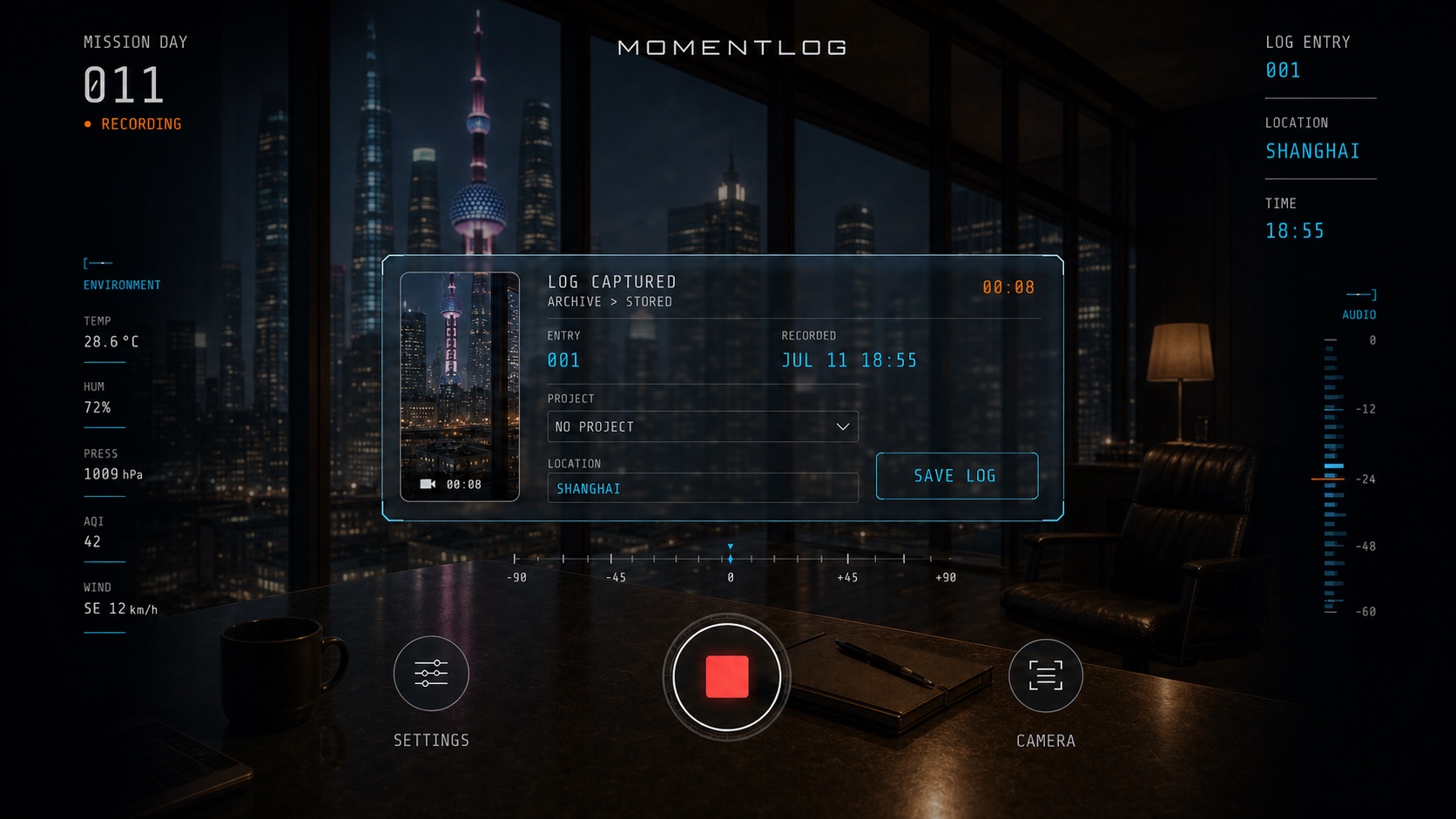
Start with one moment, not your whole life
A video journal can preserve your voice, expression, and surroundings alongside what happened. Your first entry might be a thought after a walk, the story behind a meal, or a small problem you solved. Answer three questions: Where am I? What happened? Why do I want to remember it?
1. Choose a moment you can return to
Attach recording to something you already do, such as finishing dinner or arriving home. Try thirty seconds to a minute as a starting habit; this is a suggestion, not an app recording limit. A quieter setting helps capture clear speech. You do not need a studio, a script, or a polished performance.
2. Say what the picture cannot explain
For example: “I stopped by the river after work. The problem I was stuck on last week is finally solved, and I want to remember how relieved I feel.” This is an illustrative prompt, not a real user entry. Names, events, and context make a scene easier to understand when you return to it months later.
3. Confirm that your entry is saved
After recording in MomentLog, review the pending video and confirm that you want to save the log. Finishing a recording and saving it to the local Archive are separate steps. Open Timeline, find the new entry, and play it to check the picture and sound. Plan an independent backup for memories you cannot replace.
4. Add AI organization when you need it
You can begin with guest recording, subject to guest save limits. AI requires sign-in and available account allowance. It processes audio from your video rather than visually interpreting every frame. Automatic submission depends on your settings and allowance; you can also use the entry’s AI SUMMARY action. Review a generated summary against the original recording.
5. Revisit before recording again
The next day, watch one previous entry and add only what has changed. You do not need to film something meaningless to maintain a streak. After a week, decide which moments are worth keeping. Original videos are stored locally; personal cloud video features depend on an eligible paid entitlement. Signing in alone does not create a cloud backup.