Start in one tap
Open MomentLog and you’re ready to record. Just tap to start your next entry.
 MOMENTLOG
Open and record
The on-screen overlay, or HUD, adds the date, time, location, weather, project day, and live audio levels to your recording. So you can remember where you were and what was happening.
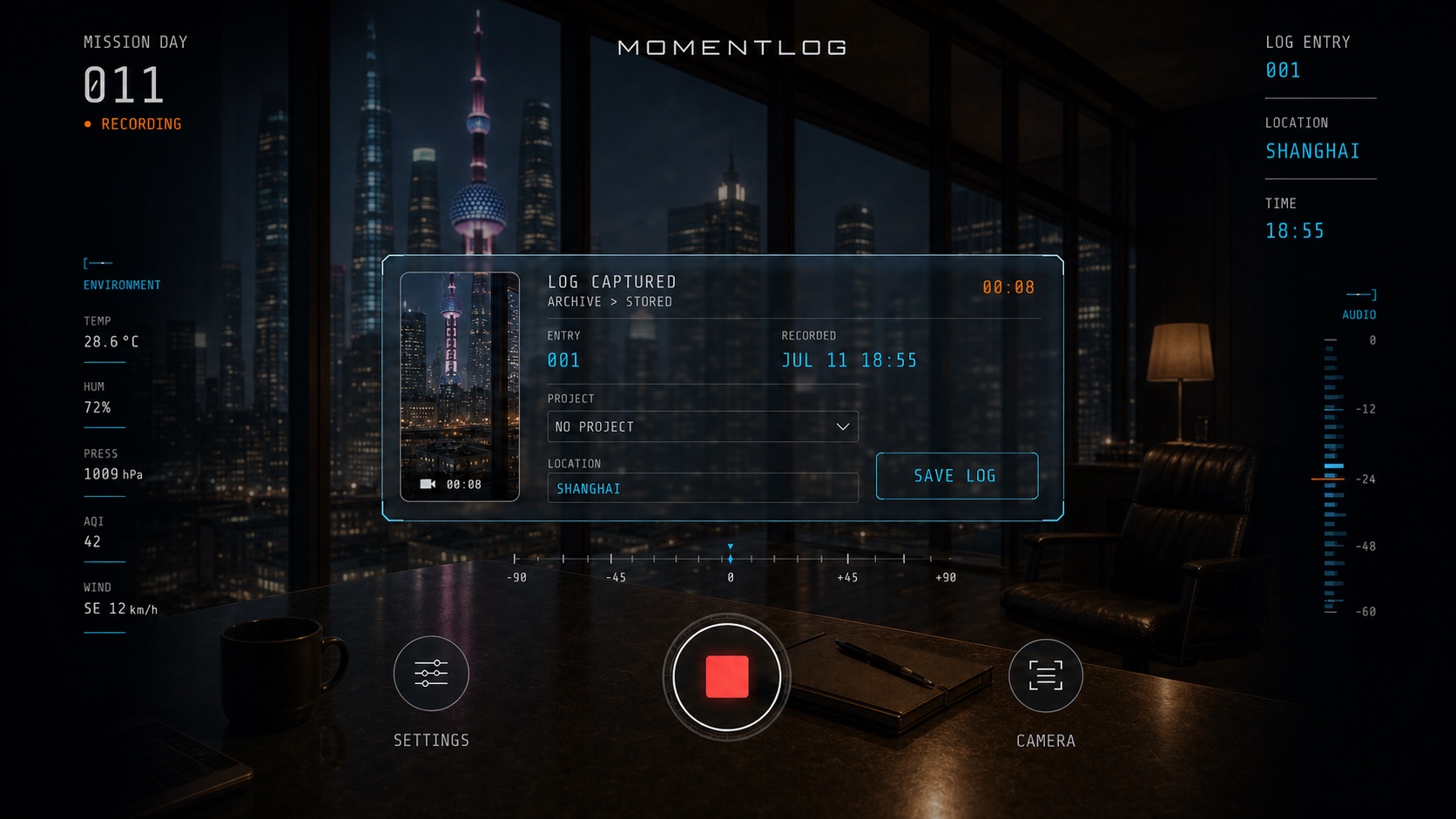
Open MomentLog and you’re ready to record. Just tap to start your next entry.
Capture the time, location, weather, and project day as you record. If a detail isn’t available, MomentLog leaves it out.
Revisit each entry with its original sound, recording details, and HUD theme. Choosing a new theme won’t change your earlier recordings.
From recording to remembering
Open the app, press record, and talk about your day. MomentLog captures the details around you.
Save your entry to see it in Timeline, along with the original video and the HUD details from your recording.
Choose how you use AI summaries and recaps to keep track of the things you want to remember.
Browse by date or project, or search by keyword to find the entry you’re looking for.
JOURNAL GUIDES